Your Complete Guide to Sharekhan Login: Methods, Troubleshooting & Security
Logging into your Sharekhan account should be quick and secure. Whether you’re a trader using the desktop platform or an investor managing your portfolio on the go, this guide covers every login method, solves common problems, and provides essential security tips for protecting your investments.
The table below summarizes the key login methods for quick reference:
🖥️ Core Login Methods for Trading and Investing
Sharekhan provides several platforms tailored for different needs, from quick mobile checks to serious desktop trading.
1. Sharekhan Website (Online Trading Account)
This is your primary hub for managing your demat and trading accounts. The login process has been updated for enhanced security.
- Step 1: Go to the official Sharekhan login page.
- Step 2: Enter your Login ID or Email ID and your Membership Password.
- Step 3: Instead of an old Trading Password, you now enter a One-Time Password (OTP) sent to your registered mobile and email, or a Time-based OTP (T-OTP) from an authenticator app.
- Step 4: After entering the OTP, you gain full access to your portfolio, research, and trading tools.
2. Sharekhan Mobile App
For trading on the go, download the official “Sharekhan” app. The login is similar but offers a convenient alternative:
- Enter your Login ID and Membership Password.
- For the second authentication factor, you can use an OTP or enable Biometrics (Fingerprint for Android, Face ID for iOS) for faster, secure future logins.
3. TradeTiger Desktop Platform
Serious traders prefer TradeTiger for its advanced charts and tools. The login method here is now aligned with the website:
- Launch TradeTiger and enter your Login ID and Membership Password.
- Authenticate using an OTP or T-OTP, just like on the website. The old Trading Password is no longer used.
⚠️ Troubleshooting Common Login Problems
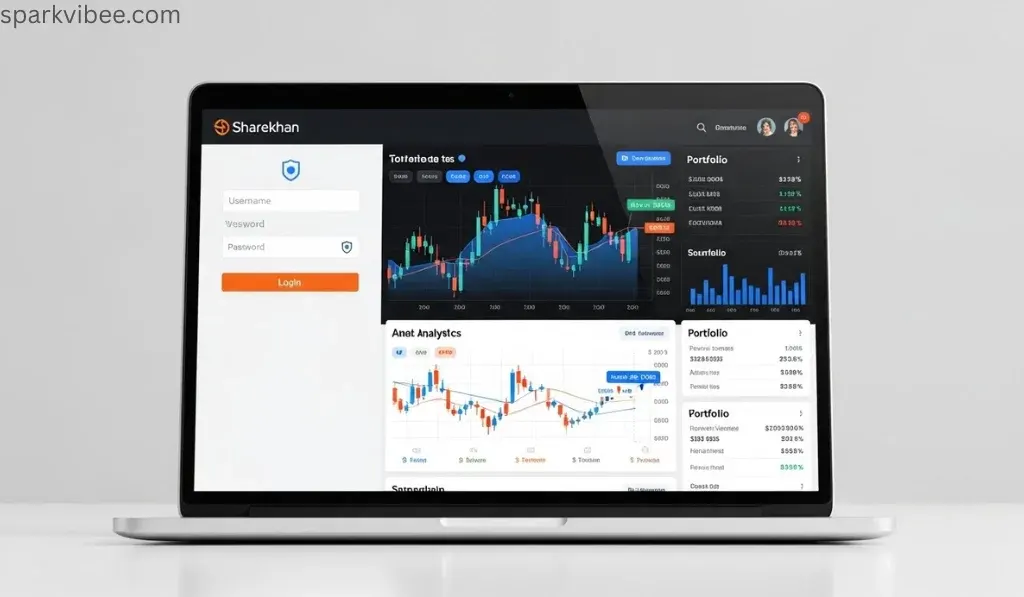
Here’s how to resolve frequent login issues quickly.
- Forgot Login ID or Password?
- Login ID: Click “Forgot ID” on the login page. Choose to receive your ID via your registered mobile or email, enter the Captcha, and submit. Your ID will be sent to you.
- Password: Click “Forgot Password.” Enter your Login ID and Captcha to receive an OTP. Use the OTP to generate a new Membership and Trading password. Remember, OTPs are valid only for 5 minutes.
- Account Locked?
Your trading account is automatically locked after 3 consecutive incorrect Membership Password attempts as a security measure. To unlock it, you can use the provided link on the login page or contact customer service at 022-61151111. - Dormant or Restricted Account?
If you haven’t traded for a long time (e.g., 52 weeks), your account may be marked dormant. Reactivating it usually requires reconfirming your KYC (Know Your Client) details, which can be done through the prompt on your screen or by contacting support.
🔐 Specialized Portal Logins
Beyond the main trading platforms, Sharekhan operates other portals for specific users.
- Sharekhan HRMS Login: This Human Resource Management System is exclusively for Sharekhan employees. Access is via the careers portal using company-assigned credentials. Retail customers do not use this portal.
- Sharekhan Web Admin: This is an internal administration portal for partners and administrators, not for general customer trading. Access requires specific administrative login credentials.
🛡️ Essential Security and Best Practices
Protecting your financial account is crucial. Follow these tips:
- Never Share Credentials: Sharekhan or its officials will never ask for your password or OTP over phone or email.
- Use Strong Passwords: Create a unique, strong Membership Password that you don’t use elsewhere.
- Leverage Biometrics: For the mobile app, setting up fingerprint or facial recognition is both secure and convenient.
- Beware of Phishing: Always ensure you are on the official Sharekhan website (
https://www.sharekhan.com) before entering your login details. - Understand Your Responsibility: As per Sharekhan’s terms, you assume full responsibility for transactions and investment decisions made from your account.
📞 Getting Help from Sharekhan Customer Care
If you cannot resolve your login issue, help is available:
- Phone: You can reach customer service at 022-61151111 or 022-41523200 for assistance.
- Email: For account-related queries, you can write to
myaccount@sharekhan.com. - Live Chat: Look for the live chat option on the official Sharekhan website during business hours.
I hope this comprehensive guide helps you access your Sharekhan account smoothly and securely. If you encounter a specific error message not covered here, feel free to ask for further clarification.